01
Enter the room for the first time
Set up your initial access on a device and leave the session ready for future entries.
 Constela
Visual walkthroughs to master the room, the board and the client experience.
These modules condense the real facilitator flow: enter, open the session, control figures, express emotions, communicate and save results.
Set up your initial access on a device and leave the session ready for future entries.
Understand the access patterns available depending on your plan and the kind of meeting you are running.
Learn the difference between basic, extra and archetypal figures to match the right visual language to each session.
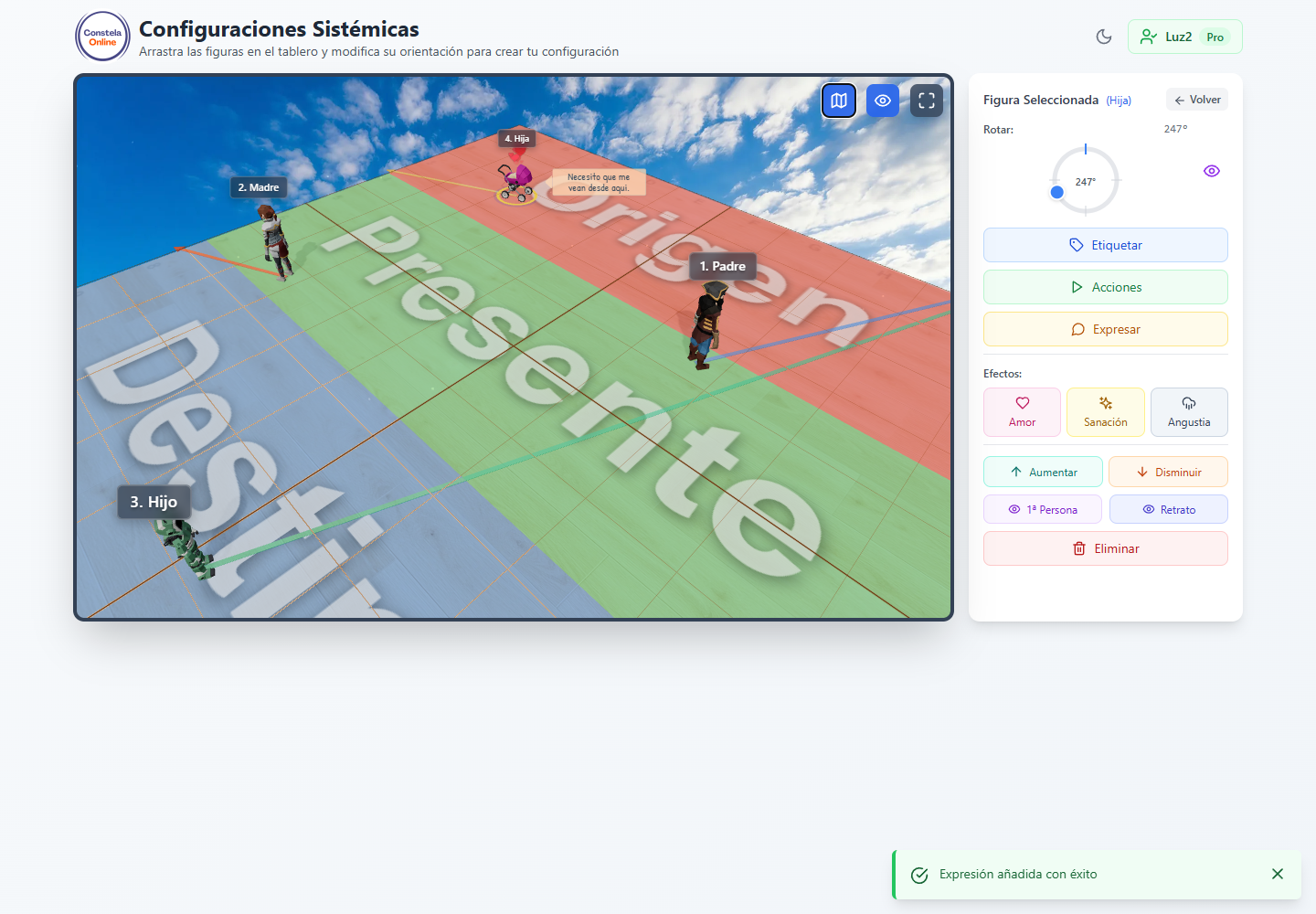
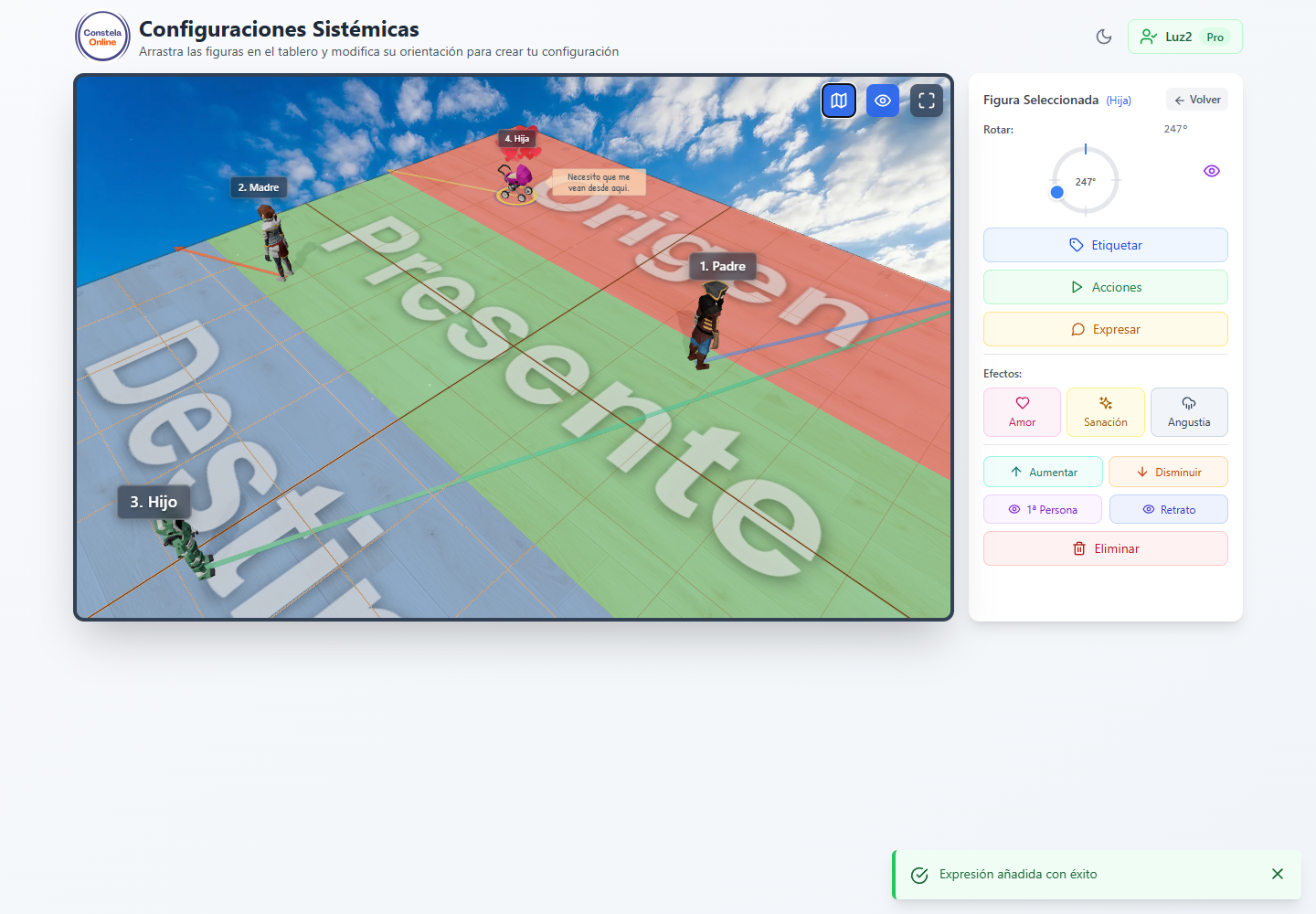
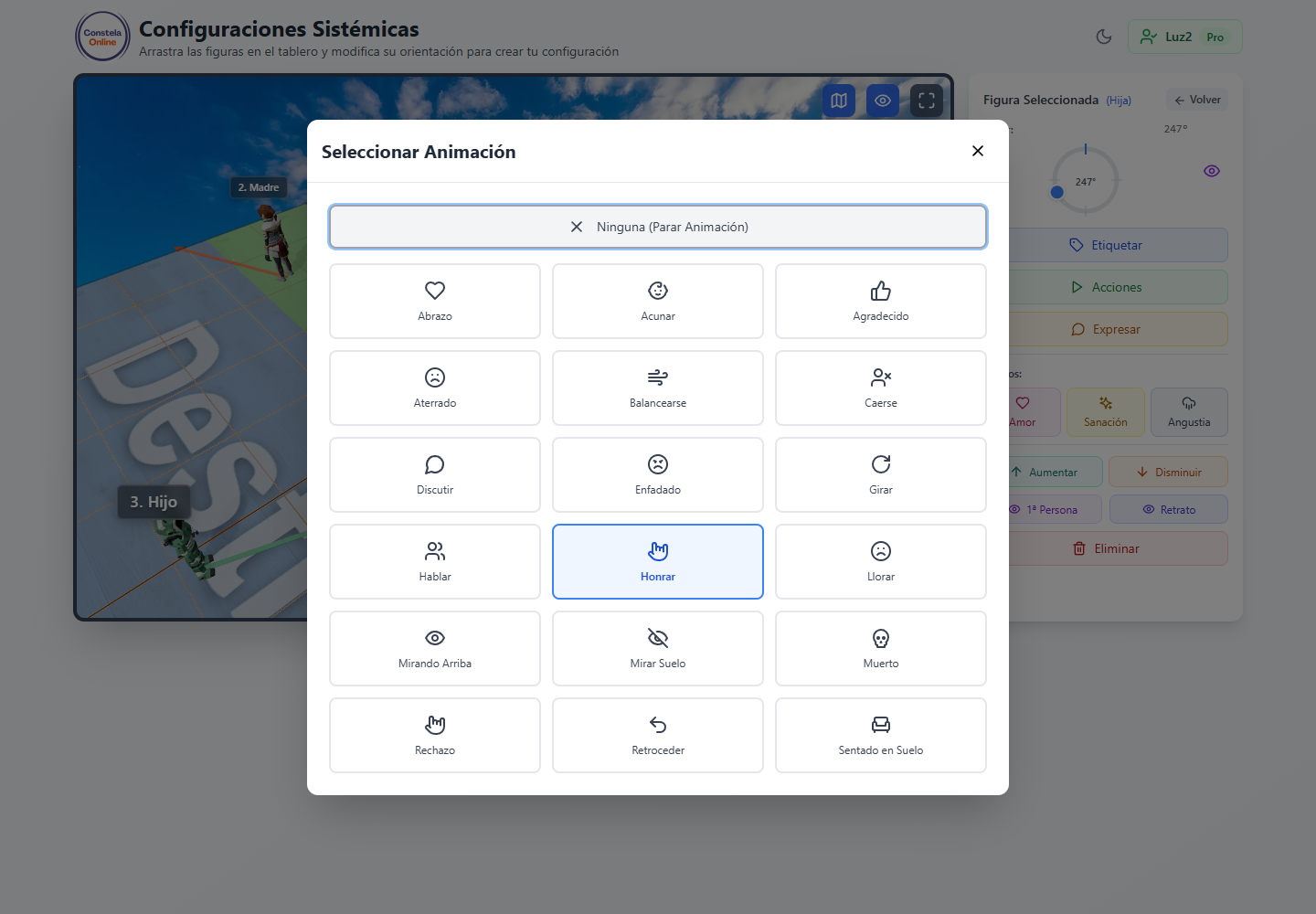
Explore the actions and expressions available to facilitators, representatives and clients.
Define whether a user moves freely, controls only their avatar or can choose a specific figure.
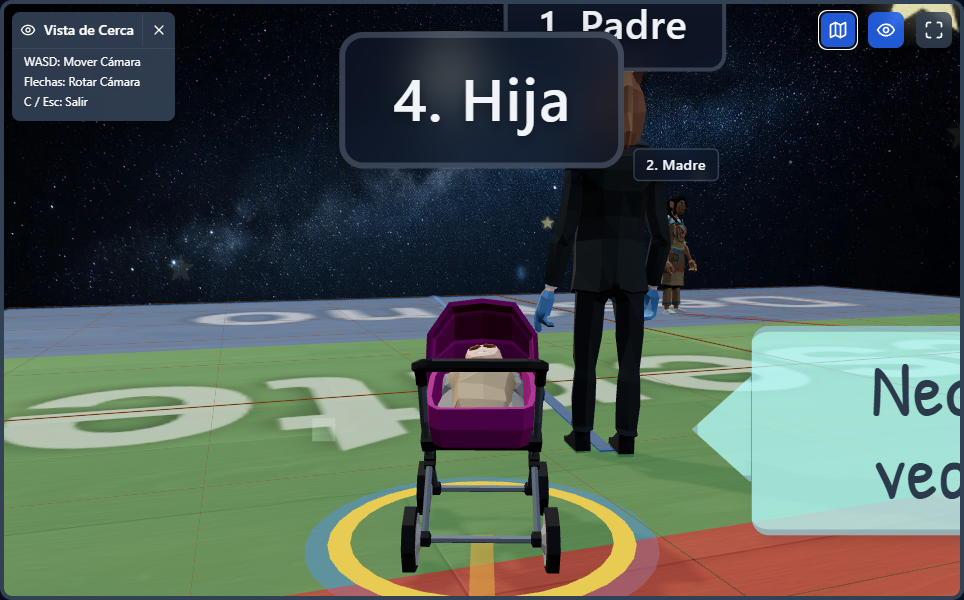
Adjust the gaze between figures and use cinematic, portrait or first-person views.
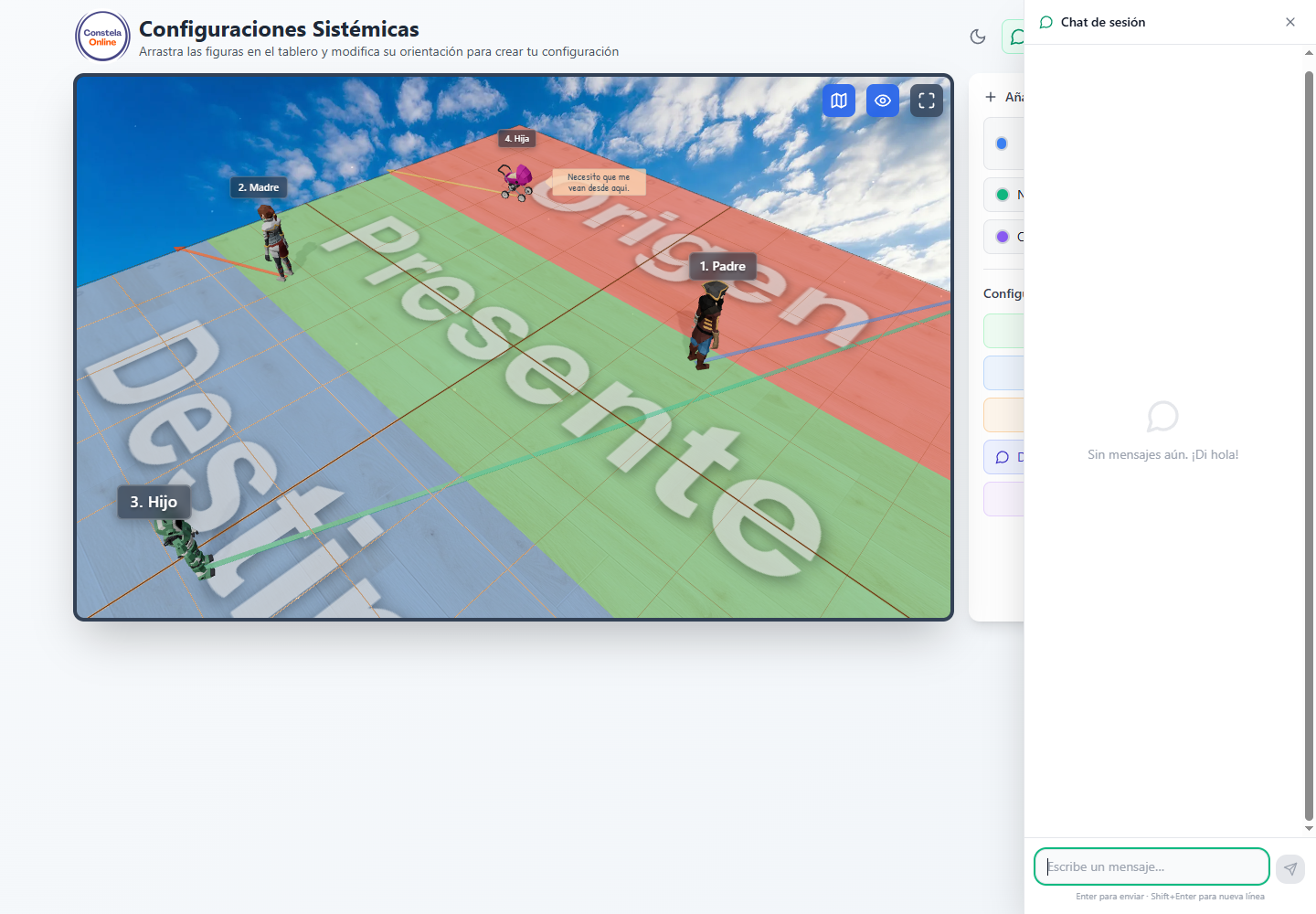
Collect what representatives are feeling and offer written guidance without leaving the session.
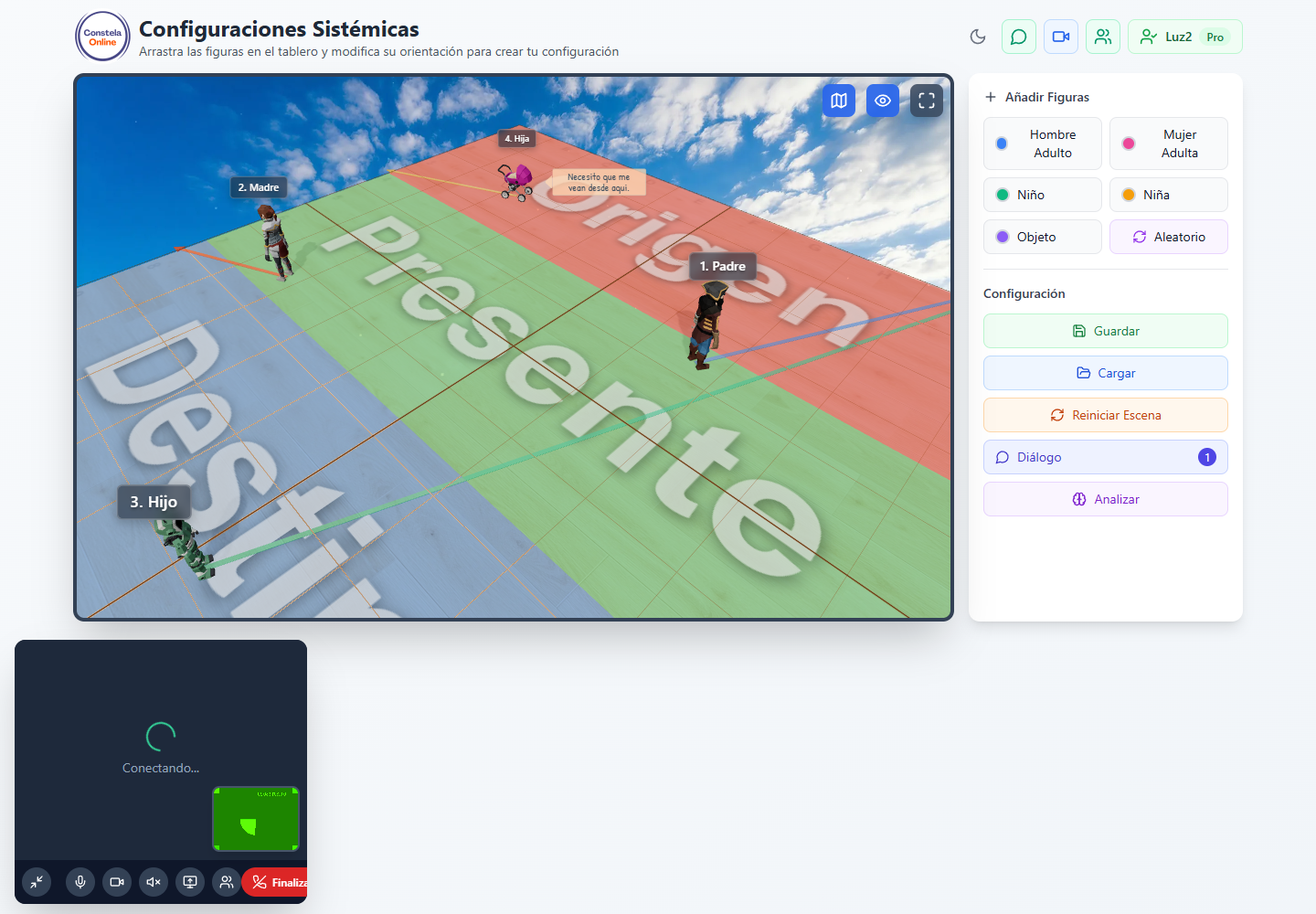
Open an individual video call whenever you need stronger verbal presence or follow-up.
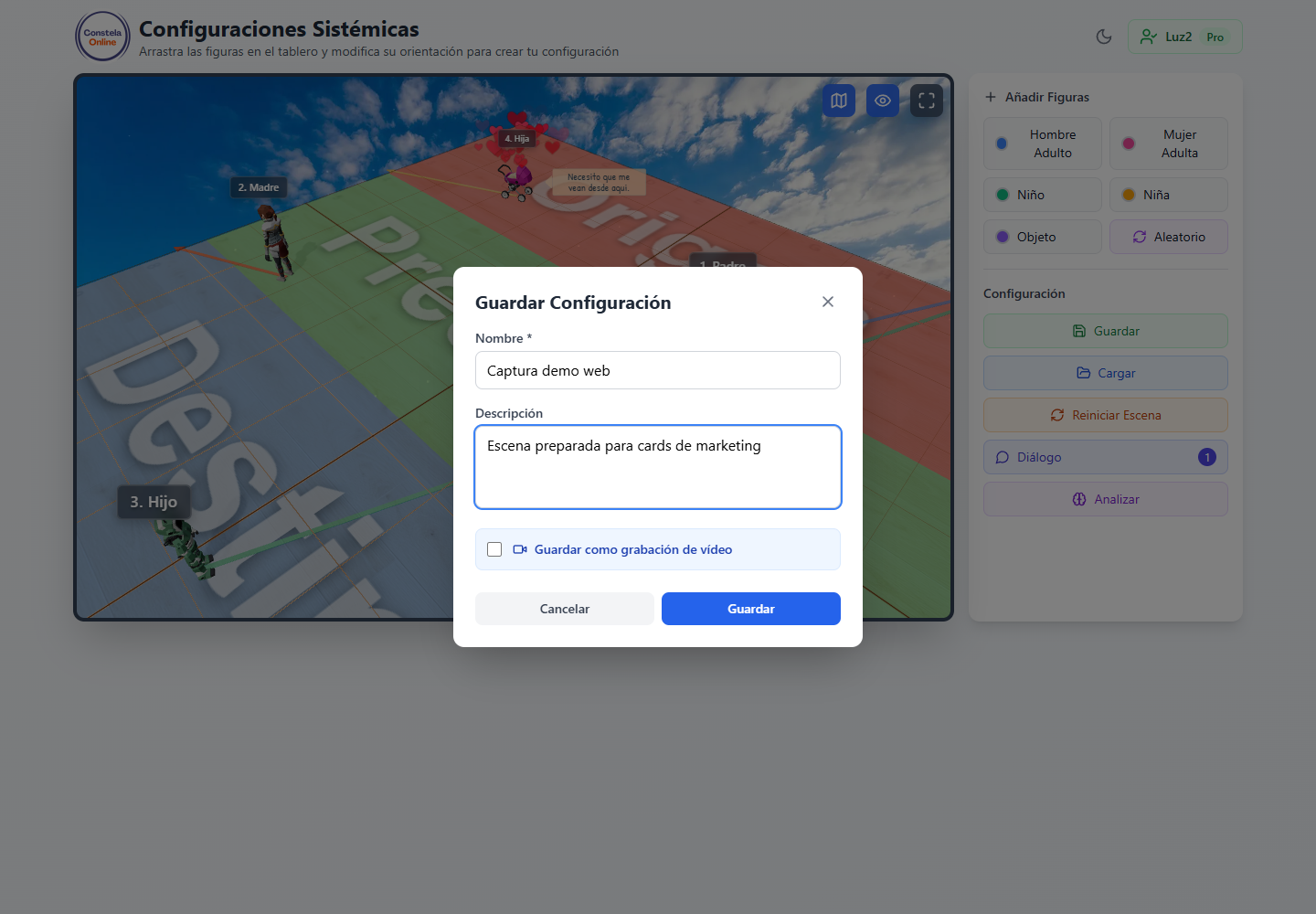
Record the session with name, description and optional video for later review.
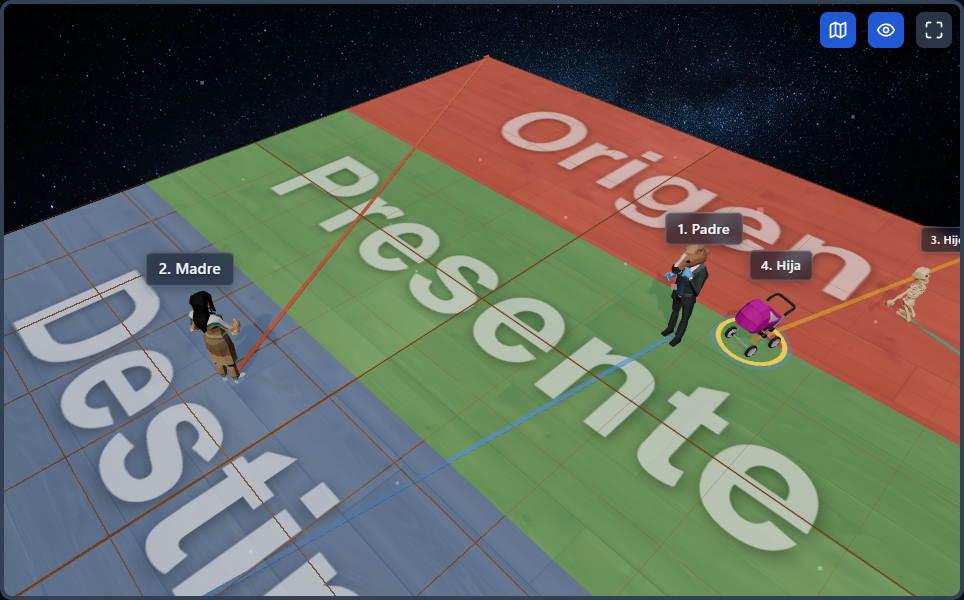
Assign names, roles and order prefixes that can be visible or hidden for participants.
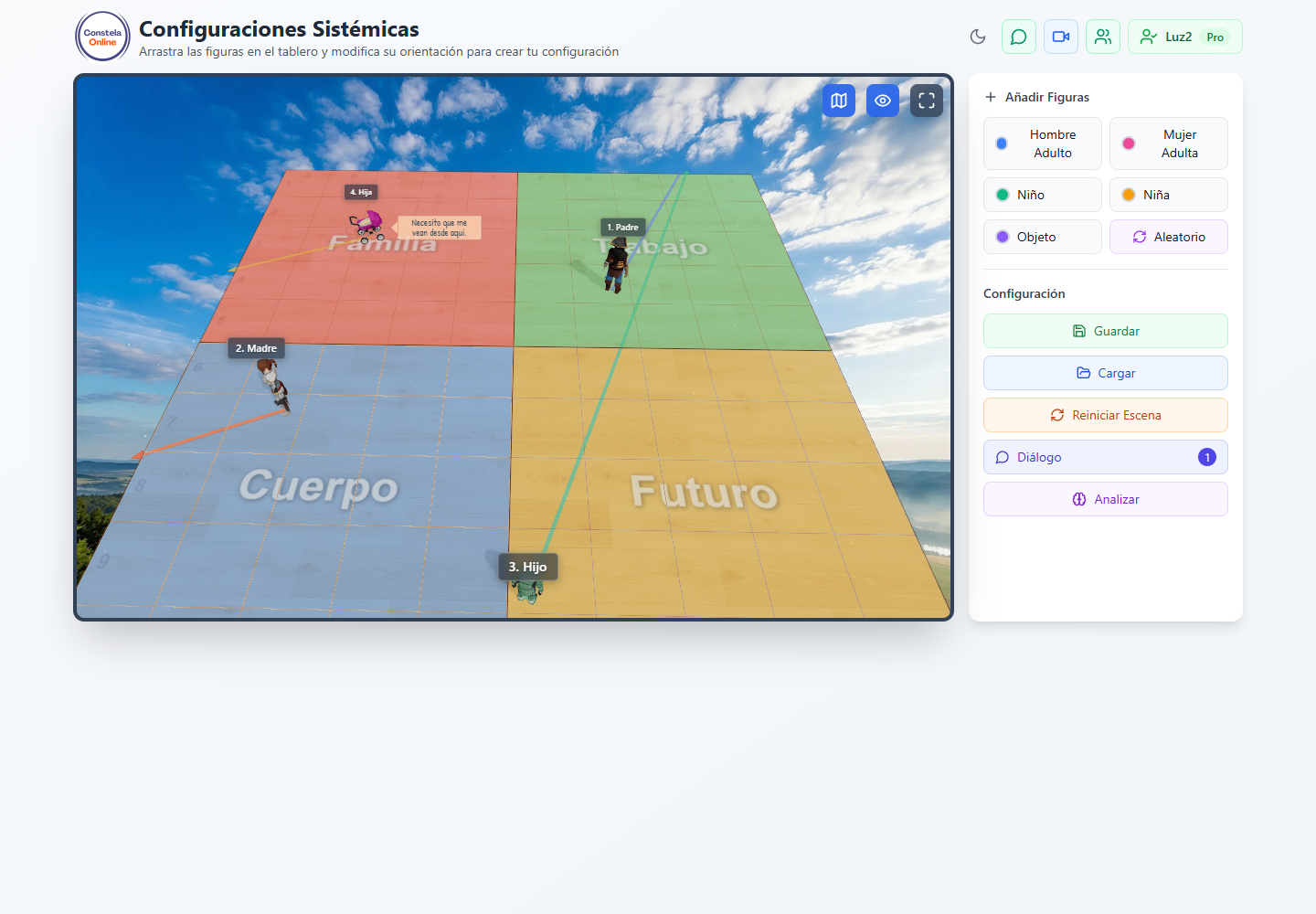
Configure stripes, quadrants, matrix or custom zones to represent time, polarity or projective space.
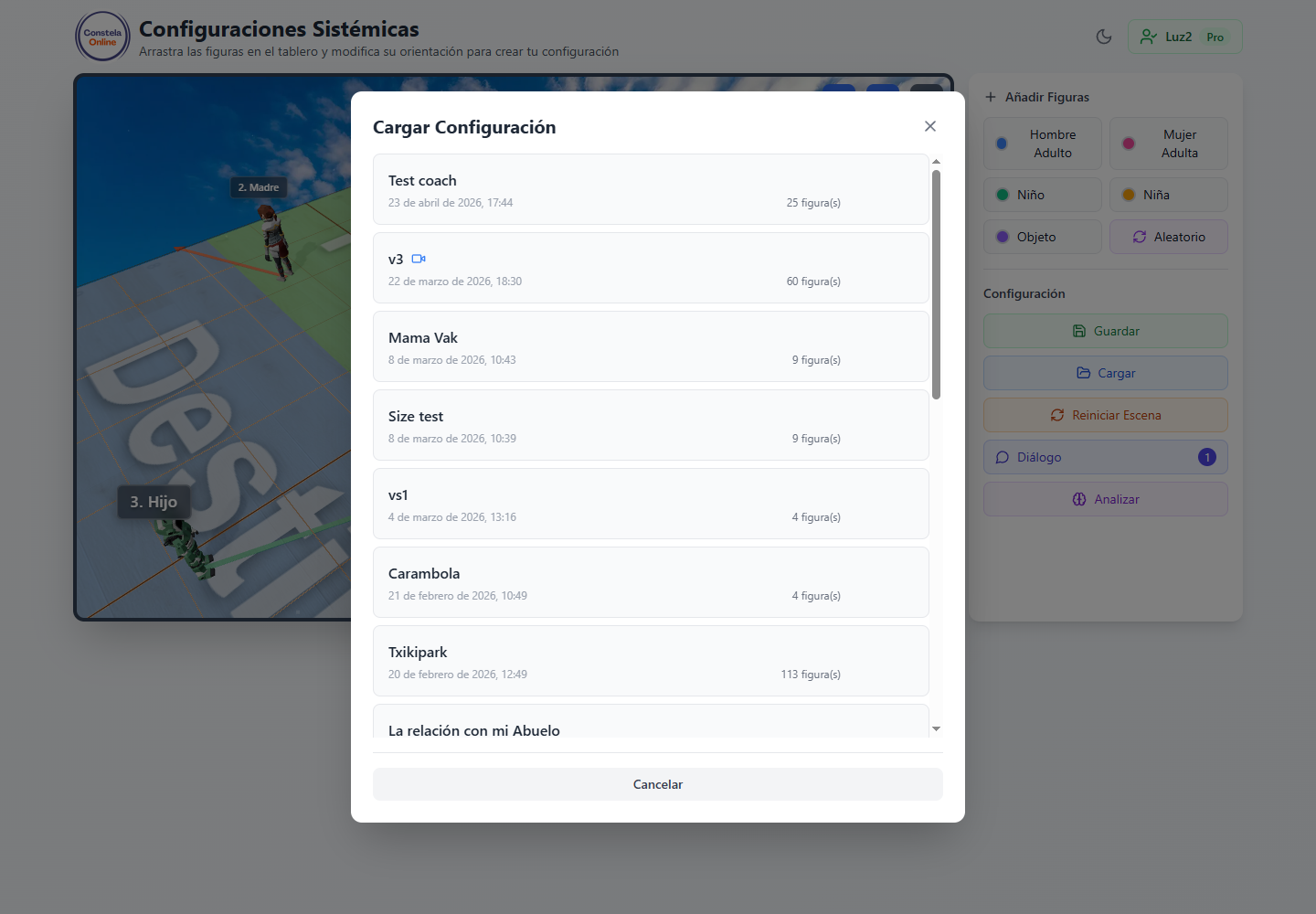
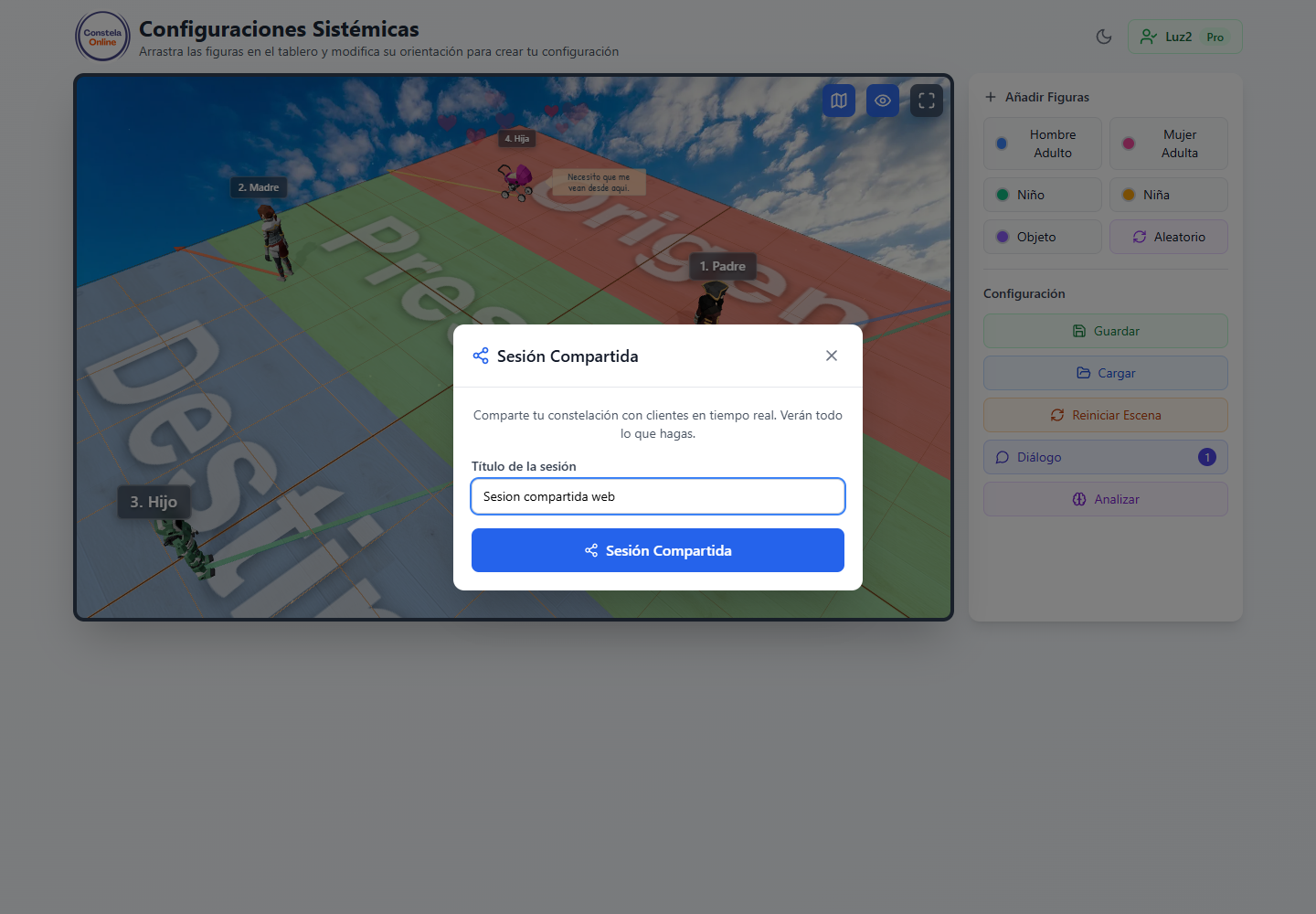
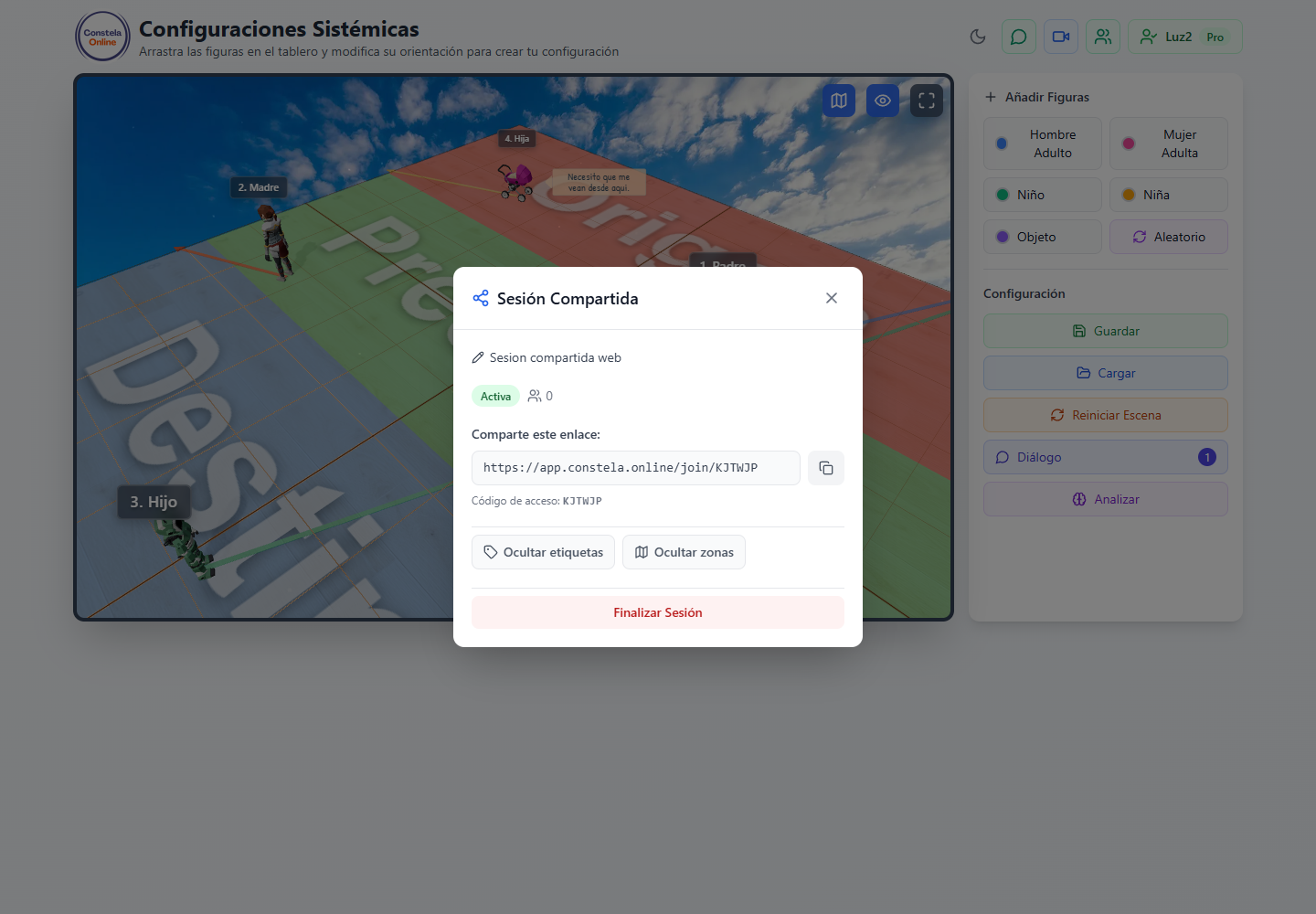
Reload saved scenes, share sessions and use the history as support for long-term processes.
Tell us how you work, how many people you need to facilitate and what kind of sessions you run. We will point you to the right plan.
You can also write directly to [email protected].
These modules condense the real facilitator flow: enter, open the session, control figures, express emotions, communicate and save results.